Collection: Silent Timer for Office
Silent Timers for the Office
Silent office desk timers for meetings, focus blocks, and productivity tracking. No ticking, no alarms — just clear visual countdown that keeps you on schedule without disturbing colleagues.
Office Timer Options
-
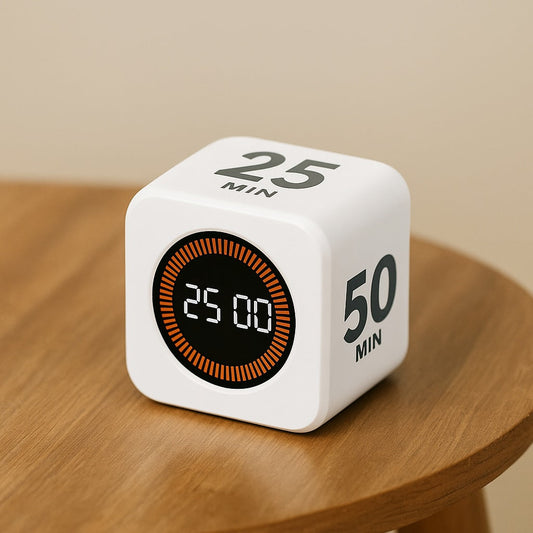
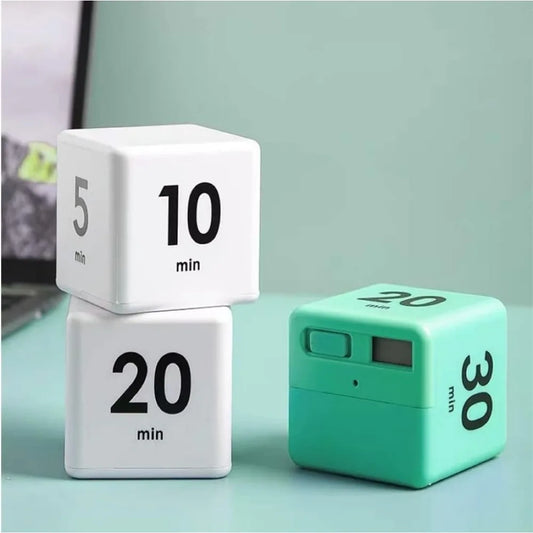
Cube Timer: Flip to start — 5, 15, 25, 50 min preset faces
-
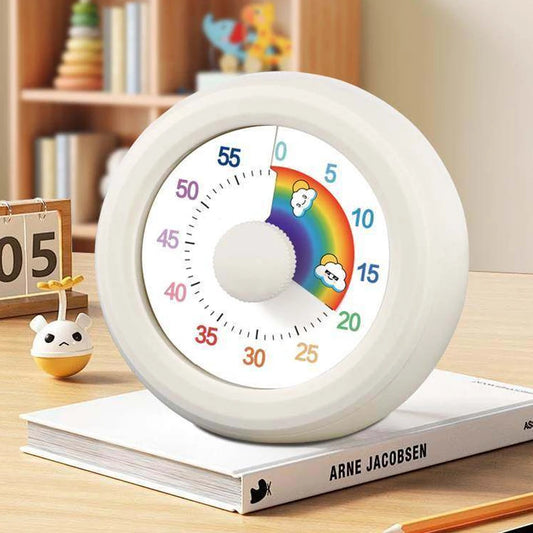
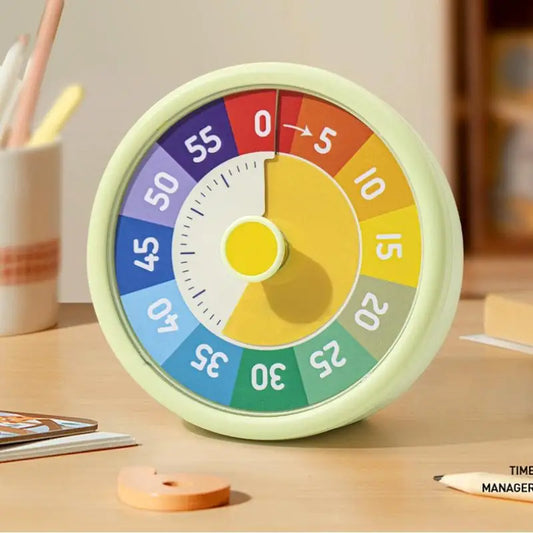
Visual Timer: Rotating disc countdown visible across the room
-
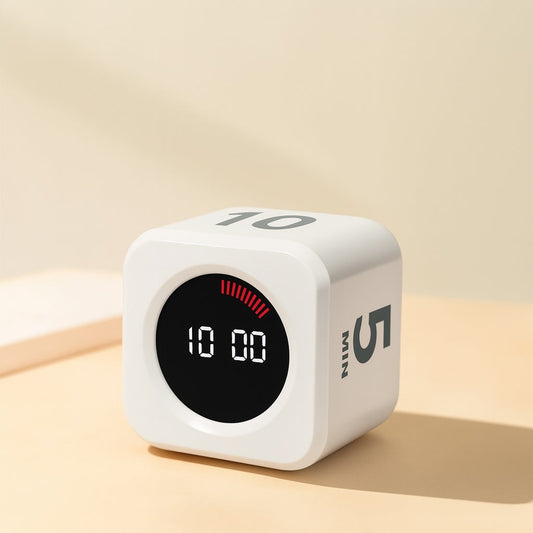
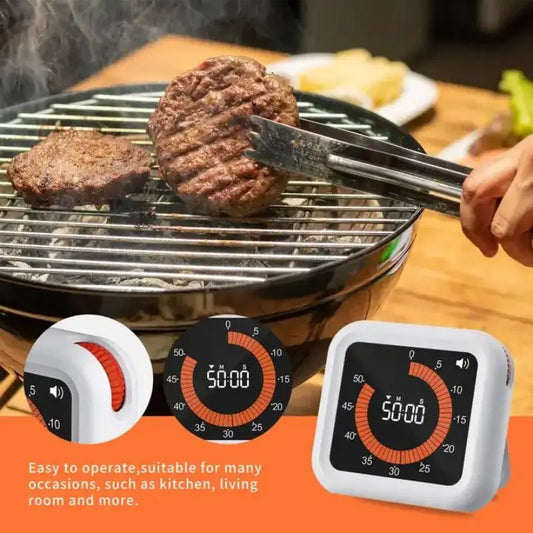
Digital Timer: Precise digital countdown with silent mode
Free tracked shipping across Australia.
Explore More
Silent by Design, Not by Accident
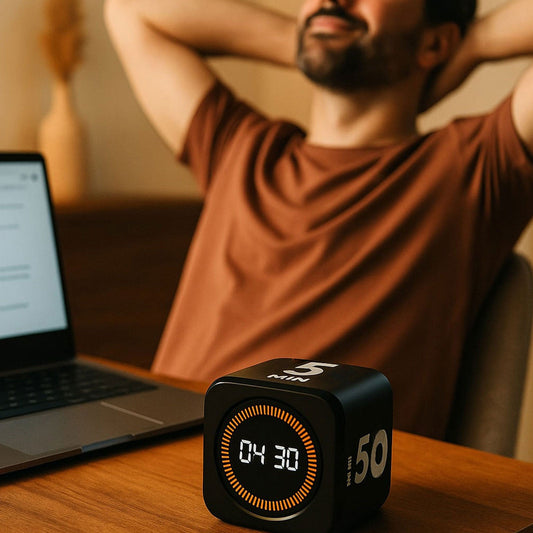
"Silent" means two different things, and this collection covers both. Silent during: no ticking, no hum — nothing your desk neighbour can hear across a quiet office. Silent after: alerts you can set to visual-only, a soft chime, or nothing at all, so a finished session never interrupts a meeting. Flip cubes like the 25Mint cube use a glowing LED ring instead of a counting display; rotating-disc visual timers shrink a coloured wedge you can read from across the room.
If your team runs timeboxed meetings or focus-time calendars, a shared visual timer on the table changes behaviour faster than any policy — time becomes visible to everyone at once. For solo focus work at your desk, pair a silent timer with the routine in our focus guide for remote workers, or trial the workflow with our free online 25 minute timer first.
FAQ
Is there any ticking sound at all?
No — every timer in this collection counts down silently. Mechanical wind-up timers tick, which is why we exclude them here.
Can I turn the end-of-session alarm off completely?
Yes. Each timer offers either a silent/visual-only mode or an adjustable alert, so a finished countdown can pass without a sound.
What's the difference between a cube timer and a visual timer for office use?
A cube is for you — flip it and work. A visual disc timer is for the room — everyone can see remaining time, which makes it the better pick for meetings and shared spaces.